
Fast booking shortcut
Open the same Billingham Bounce booking system from a clean app screen without searching through the website.
Billingham Bounce Android app
Install the Billingham Bounce app for quick bouncy castle bookings, soft play packages, live deals, service areas and support from your Android phone.
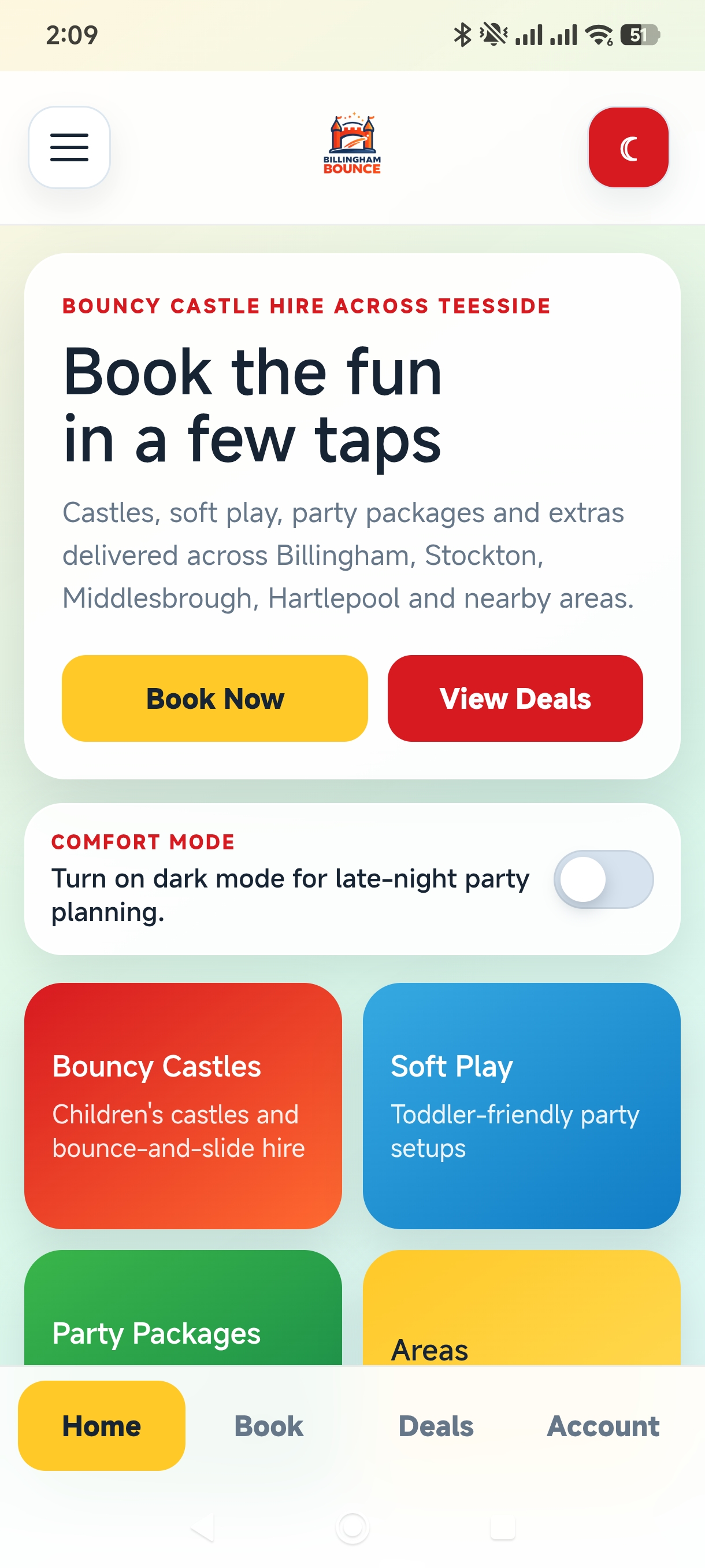
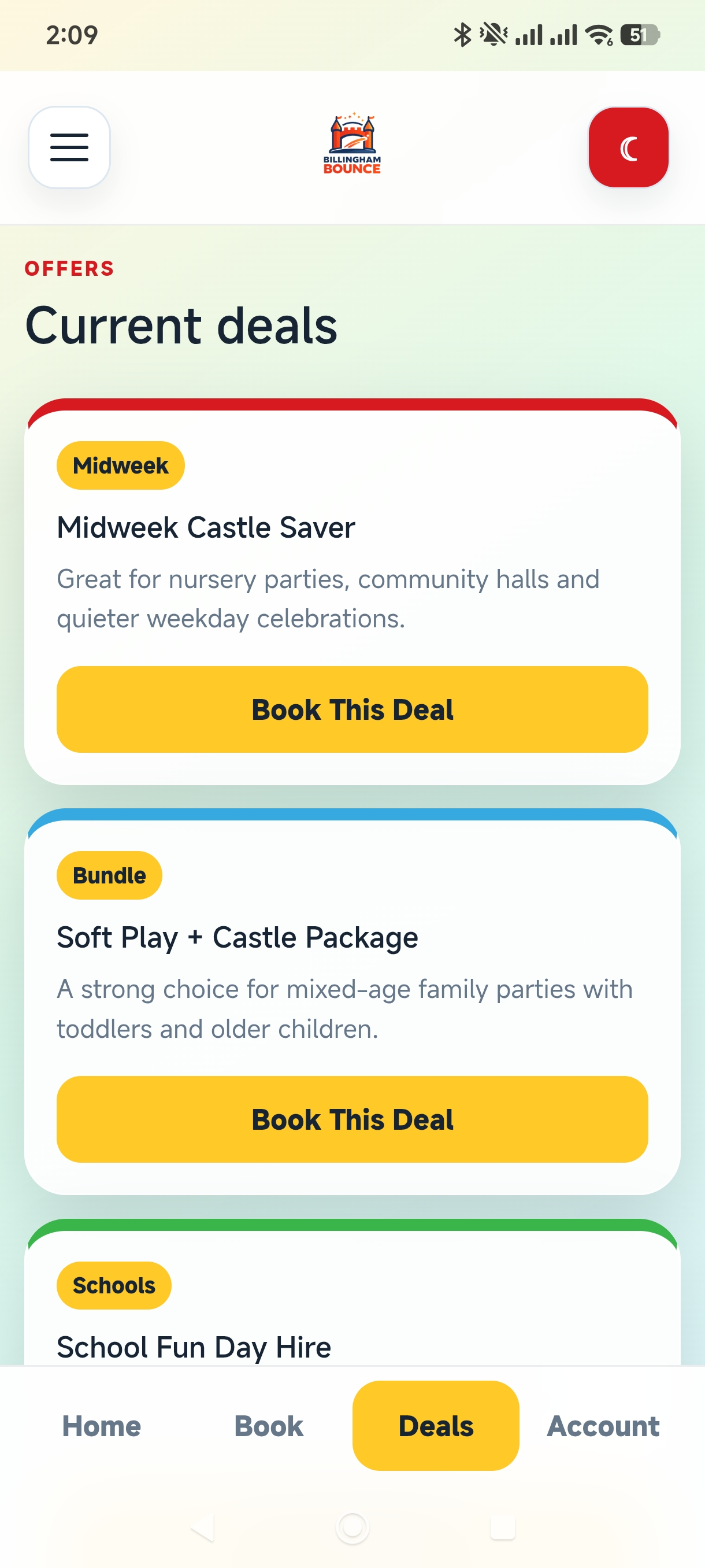
Open the same Billingham Bounce booking system from a clean app screen without searching through the website.
Show midweek offers, bundle deals and seasonal party hire promotions directly inside the app.
The app checks the website for newer APK versions and shows customers a download prompt when you publish an update.
Installation
Questions parents ask
Download the Android APK from this page, open it on your phone and follow the installation prompts. Android may ask you to allow installs from your browser.
The app checks the Billingham Bounce website for the latest version. If a newer APK is available, it shows an update prompt with the download link.
Yes. The app uses the same Billingham Bounce booking system, so you can book through either the app or the website.
Ready to book?
Weekends and school holidays fill quickly. Check availability online, choose your setup and send your booking request in a few taps.



 ADD TO iCAL CALENDAR